Ask your jobsite a question. Get an answer.
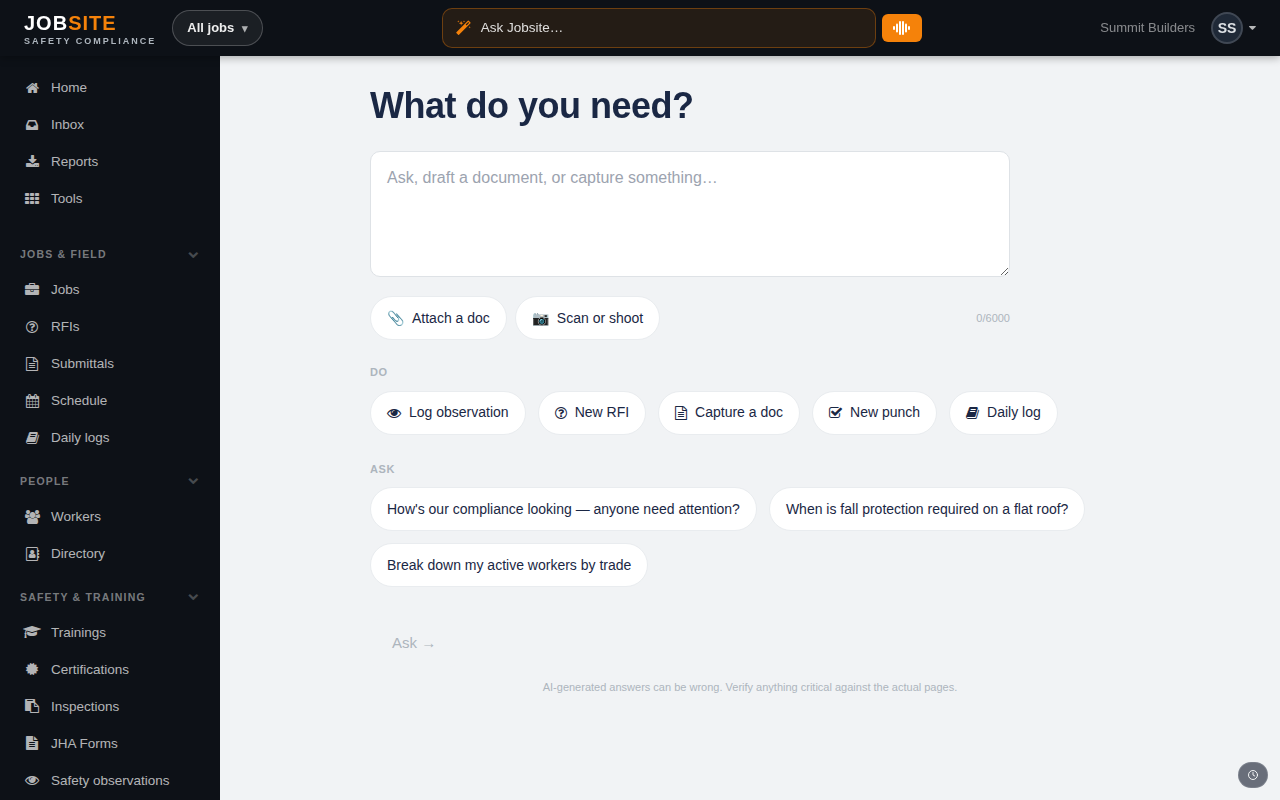
Ask Jobsite answers in plain English from your live data, builds charts on request, and drafts your documents — all through the same permission engine as a manual page view.
An assistant that only knows what you're allowed to see
Ask about a job's RFI backlog, a crew's cert status, or a change-order trend and get a straight answer. Every response flows through the same row-level permission engine as a manual page view — the AI never sees data the asking user can't.
Dashboards you describe instead of build
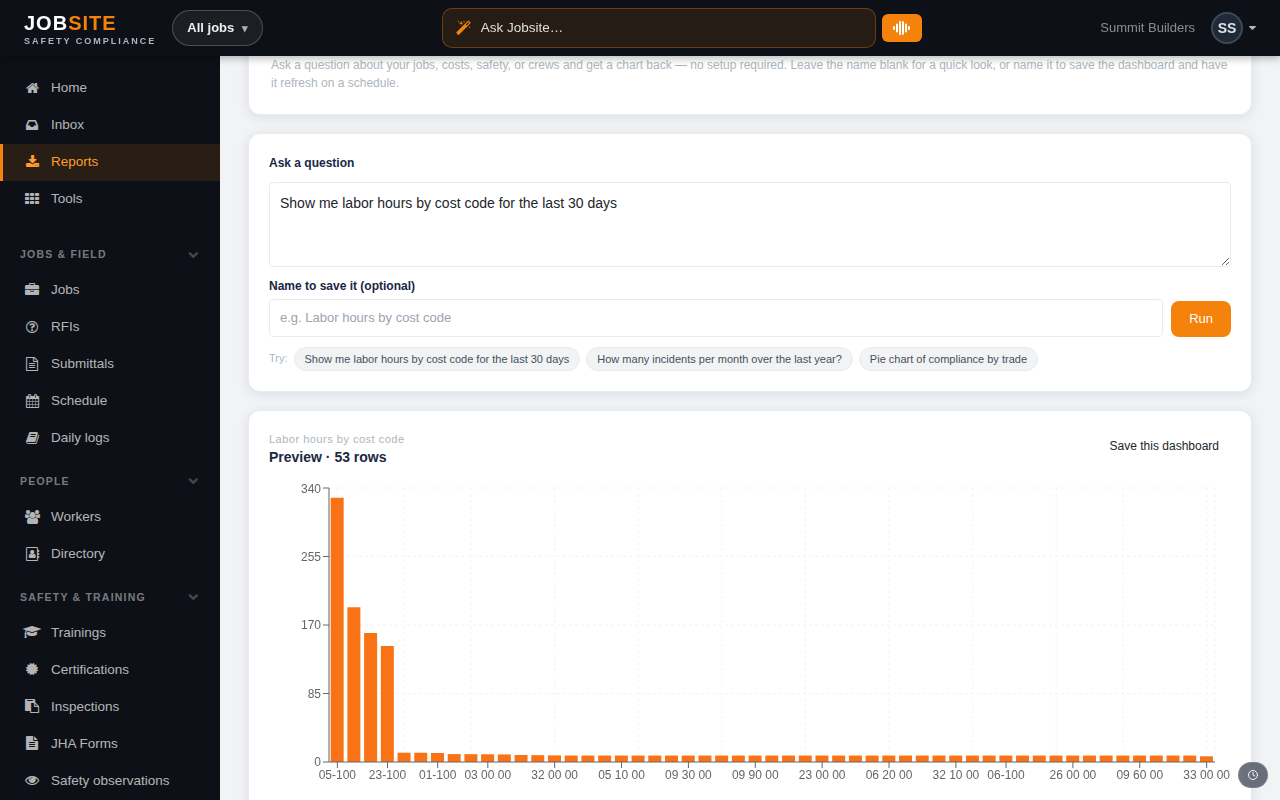
Type “Show me labor hours by cost code for the last 30 days” or “incidents per month over the last year” and get a chart back — no setup. Name it to save it, and have it refresh and email on a schedule.
- Plain-English questions become charts
- Save, schedule, and share read-only dashboards
- Reports hub rolls up financial, safety, workforce, and ops
Documents drafted from the job's own facts
Owner update letters, safety plans, schedule recovery plans, change-order narratives, OSHA forms, sub scopes — drafted from the project's real data, reviewed by you, rendered to PDF, and shareable by magic link. Bilingual when you need it.
Learn how to use it
Keep exploring
Ready to run it on your jobs?
Start free with sample data and see ai & insights on day one.
Get started free