Run a compliance audit
The compliance audit reads your live data and ranks what would get flagged in an inspection right now. Run it before an inspector shows up — or schedule a digest so it runs itself.
- 1
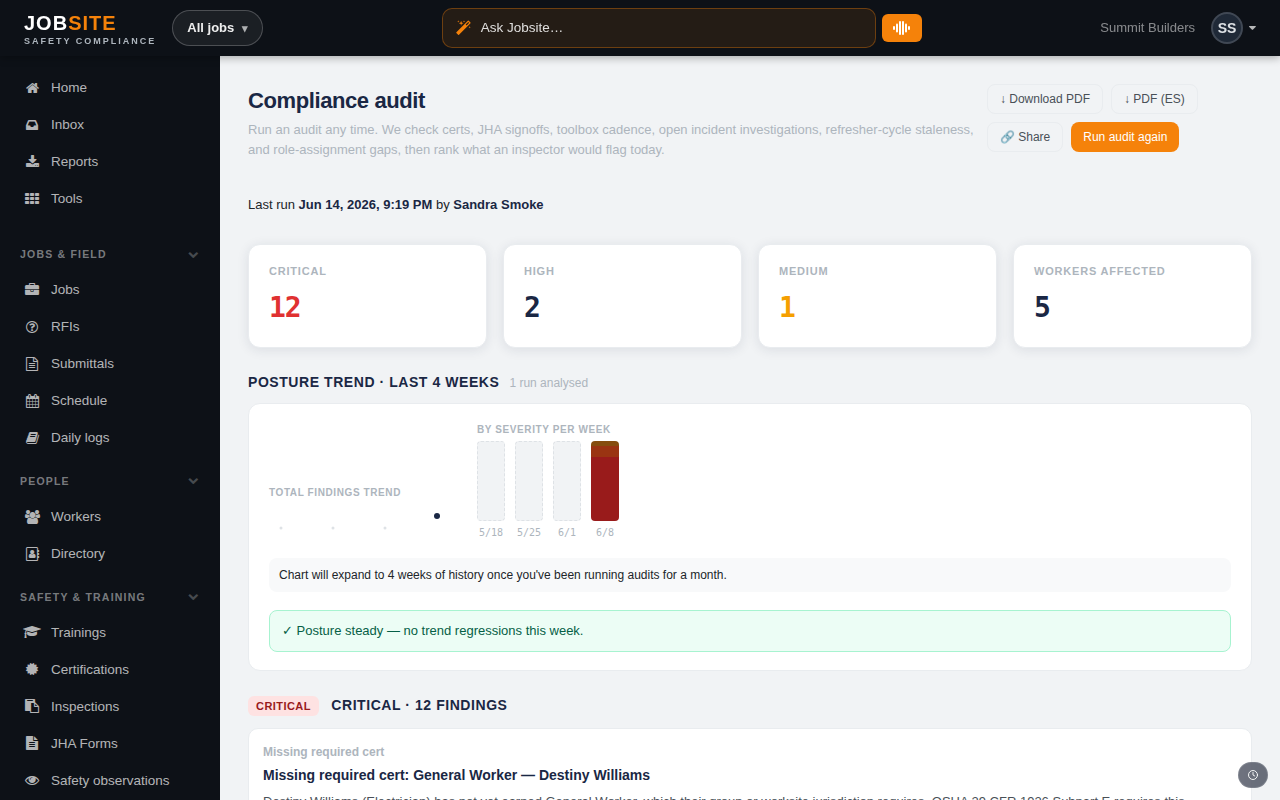
Open the audit and click Run audit
Go to the Compliance audit page and press Run audit. In about a second Jobsite checks certs, JHA sign-offs, toolbox-talk cadence, open incident investigations, refresher-cycle staleness, and role-assignment gaps.
app.jobsitecerts.com/dashboard/audit - 2
Work the ranked findings
Findings come back ranked the way an inspector prioritizes them — most consequential first. Each links straight to the worker, job, or record that needs attention, so you can fix it in place.
- 3
Schedule a digest
Set a cadence and Jobsite emails the latest audit snapshot to your inbox automatically. The email links back into the app — you'll sign in to see the findings.
Tips
- The audit reads from live data — there's nothing to set up or re-enter before running it.
Want the bigger picture? See Safety & compliance on the platform →