Assign training and track certifications
You can assign a course to one person directly, or — better — set a rule so the right training reaches the right people forever. When a worker finishes, the certificate issues automatically.
- 1
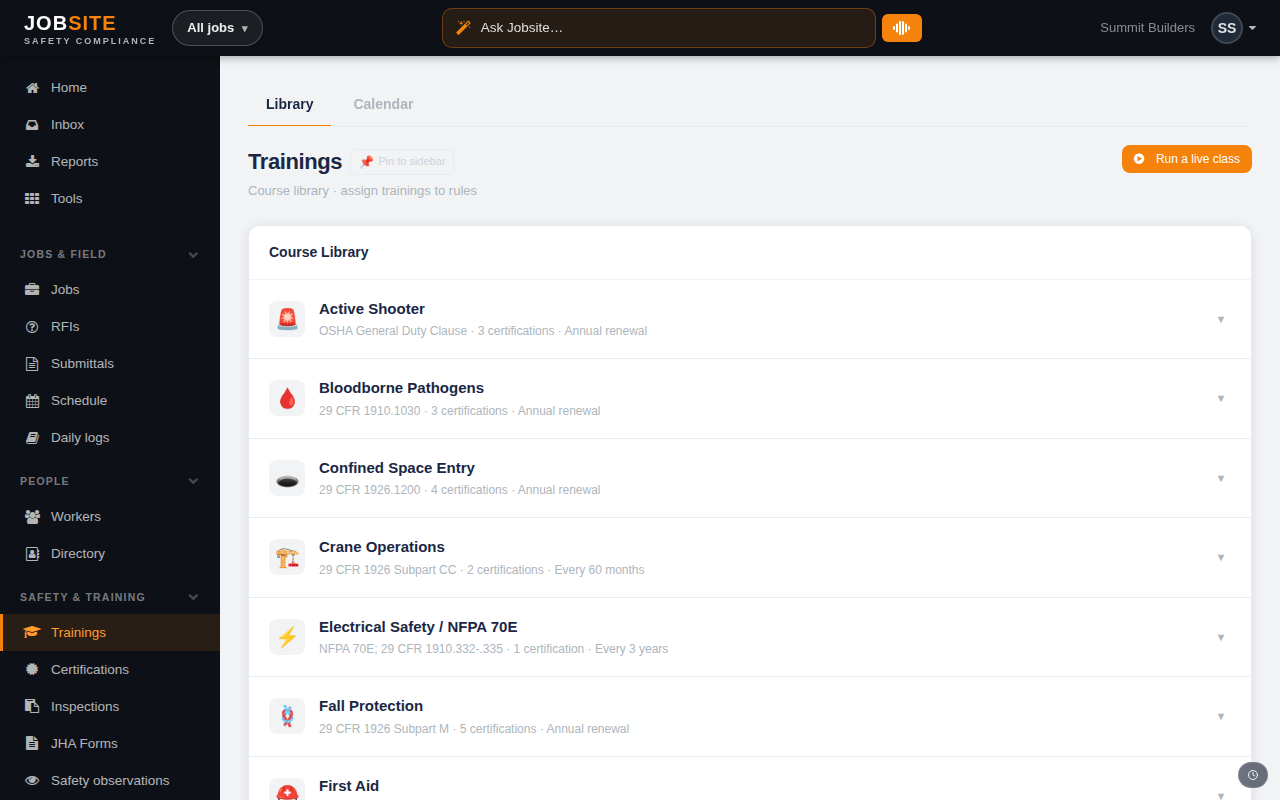
Browse the course library
Trainings shows the full bilingual course catalog — Fall Protection, Confined Space, Hazard Communication, and more. Preview any course (video plus quiz) before you assign it.
app.jobsitecerts.com/dashboard/trainings - 2
Assign by rule, not by hand
Under Training rules, create a rule by trade, role, jurisdiction, or a custom condition and attach the required courses. Everyone who matches gets assigned automatically — including new hires going forward.
- 3
Let certs issue automatically
When a worker passes, Jobsite issues a branded certificate and it appears on the Certifications page. Expiring-soon and lapsed credentials are flagged so a renewal never slips by quietly.
app.jobsitecerts.com/dashboard/certifications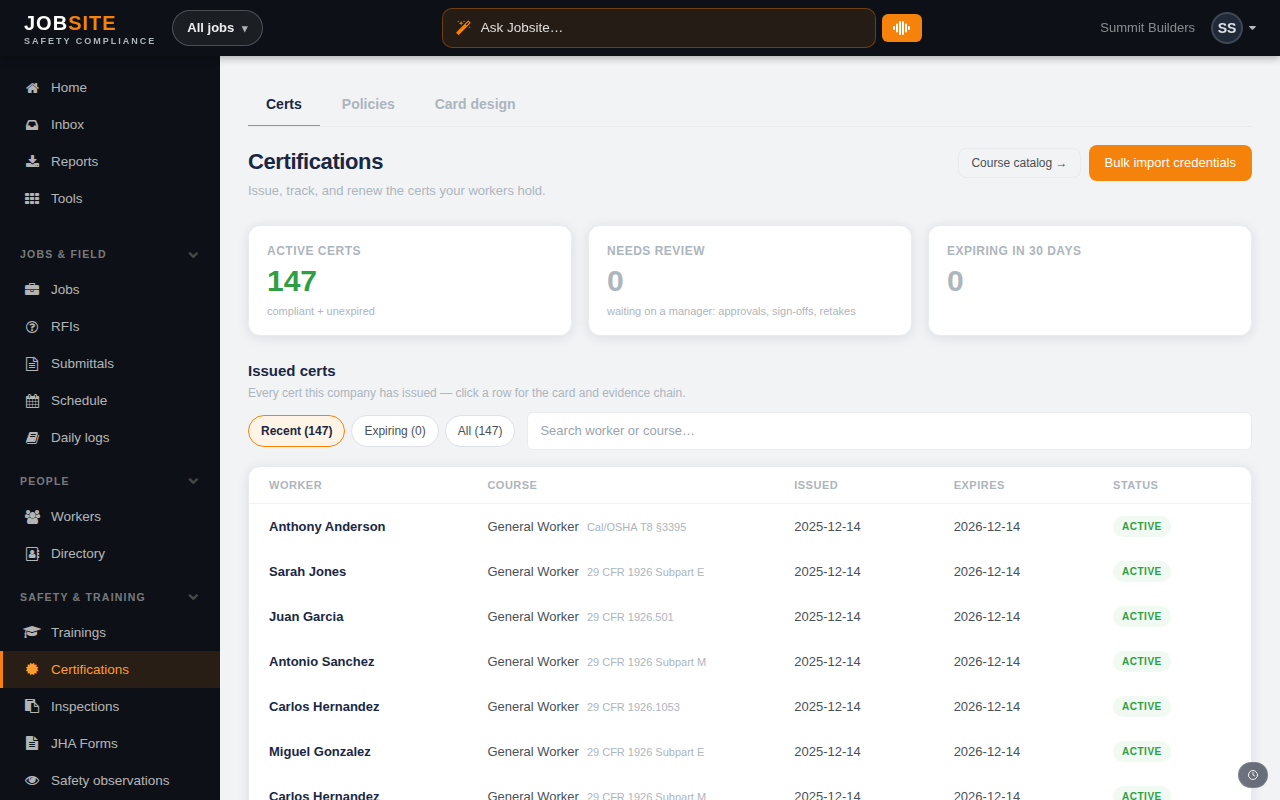
Want the bigger picture? See Training & certifications on the platform →