Add and manage your crew
Workers are the heart of the safety and training system. Add them once and Jobsite tracks each person's required training, certifications, and compliance status automatically.
- 1
Add a worker
On the Workers page, choose New worker. Capture their name, trade, and contact info. Assign a PIN or send a magic link so they can sign in to the worker app — no email account required.
app.jobsitecerts.com/dashboard/workers - 2
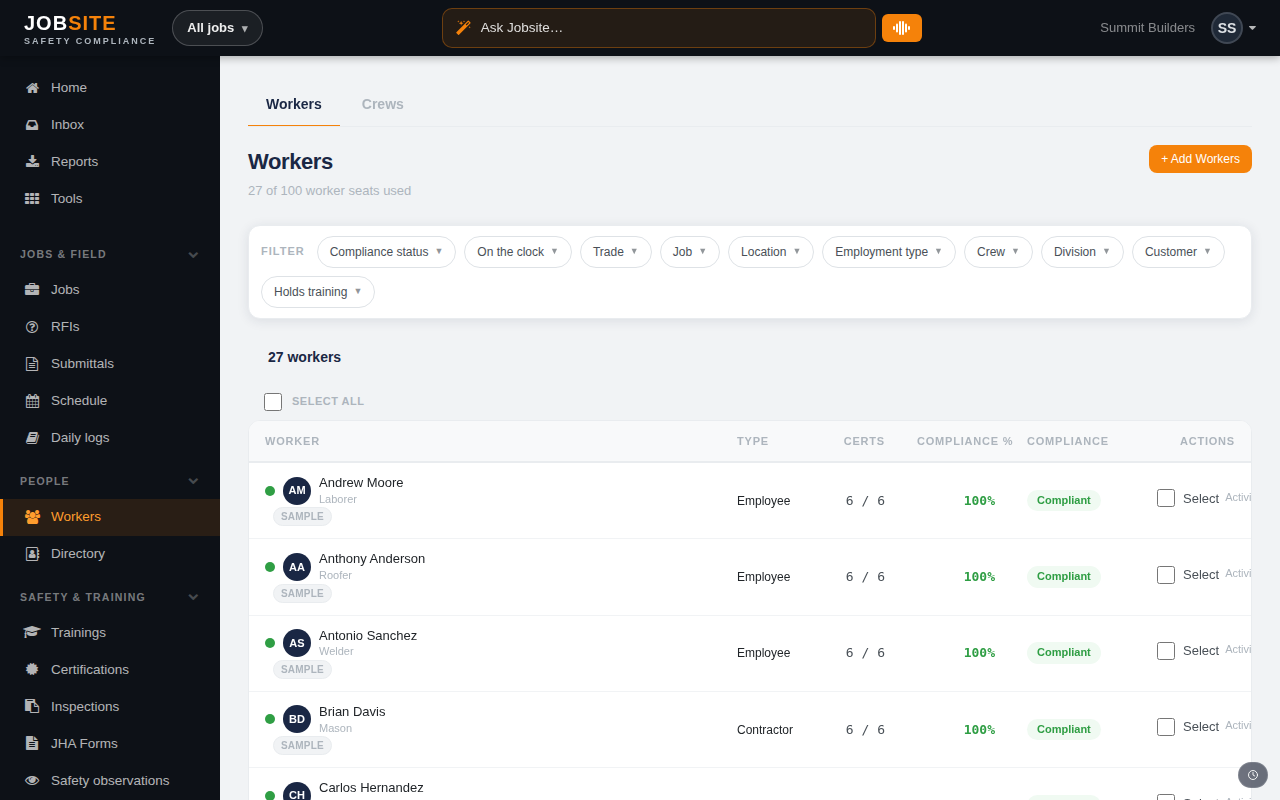
Read the compliance column
Each row shows a compliance percentage and a status — Completed, Needs training, Expiring, or Incomplete. The number reflects only training cadence; expiring external certs surface as their own flags.
- 3
Open a worker to see the detail
A worker's page lists every required course with the reason it's required (trade, role, jurisdiction, or custom rule), their certifications and expiry dates, and an activity log of everything they've done.
app.jobsitecerts.com/dashboard/workers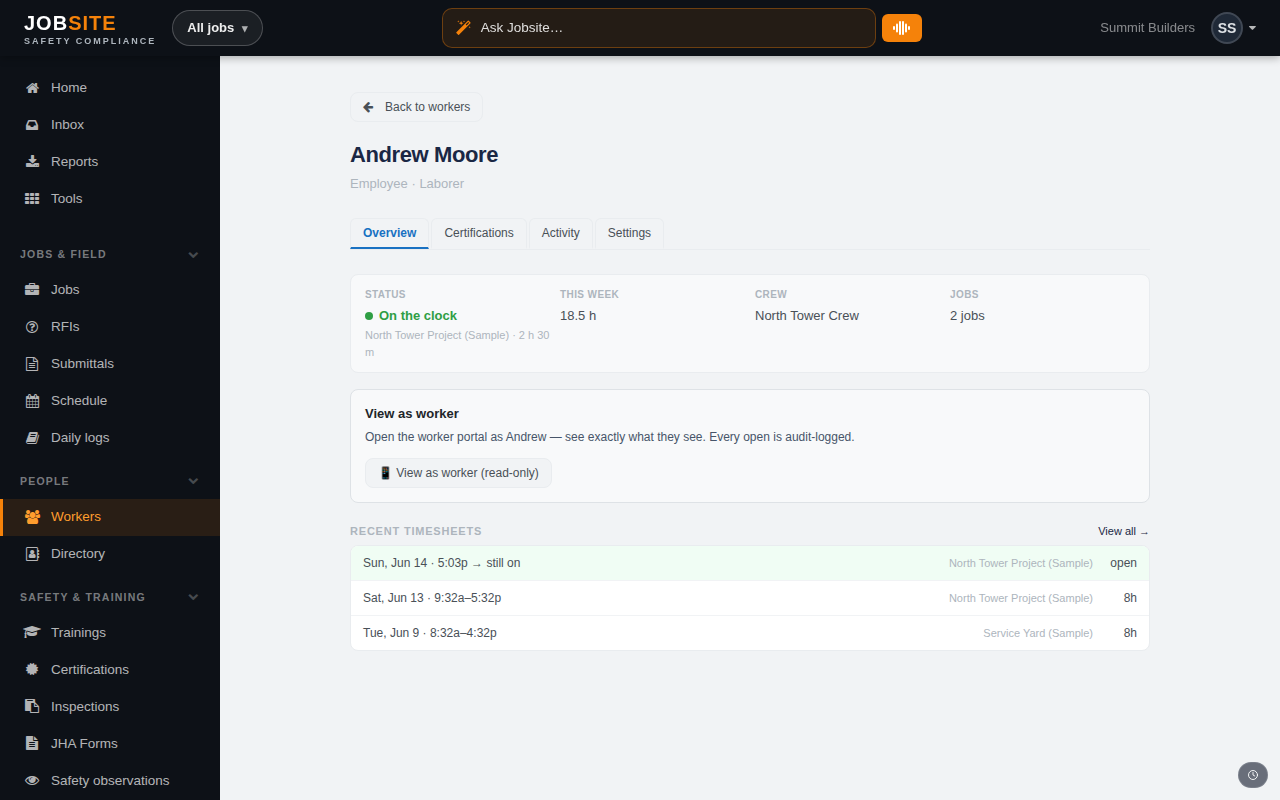
Tips
- Have a roster already? Bulk-import workers and external certs from a CSV.
- Organize crews and divisions to assign work and training to groups at once.
Want the bigger picture? See Training & certifications on the platform →