Using the Jobsite worker app
Jobsite works on your phone with no app-store download. Sign in once, add it to your home screen, and your training, certs, time, and talks are a few taps away — in English or Spanish, even without signal.
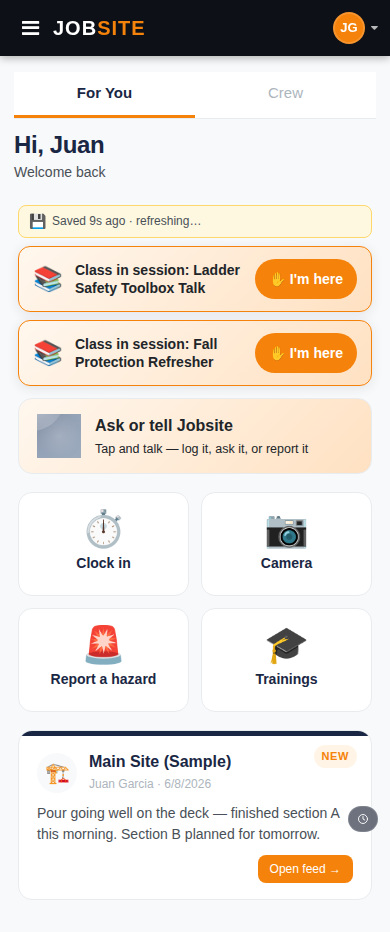
- 1
Sign in
Open your company's link or go to Find your company. Sign in with your company code, last name, and PIN — or tap the magic link your manager texts or emails you. No email account needed.
- 2
Do your training
Your assigned courses are on the home screen. Tap one to watch the video and take the quiz — in your language. When you pass, your certificate appears in your wallet automatically.
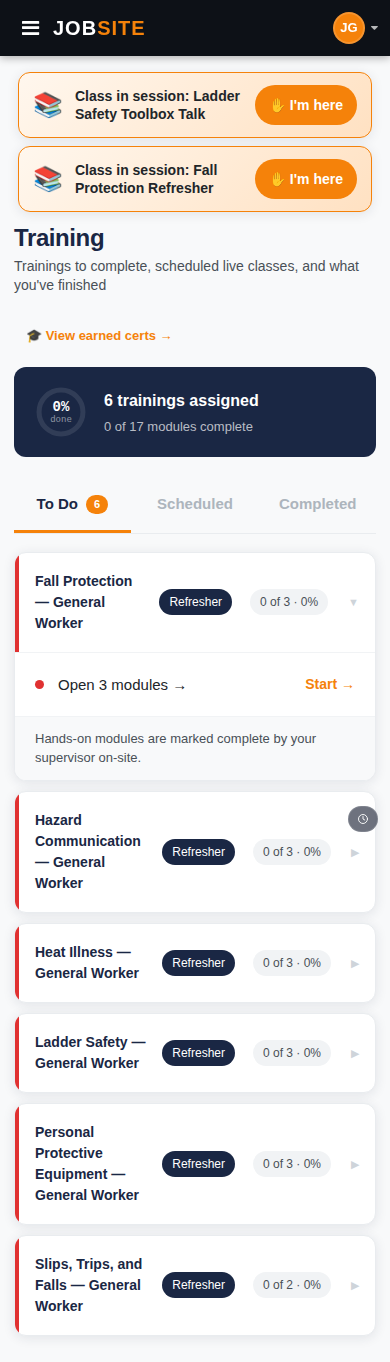
- 3
Clock in and check your cards
Punch in and out from the Time tab, and keep all your certification cards in one wallet. If you're out of signal, your punches save and sync the moment you're back online.

Tips
- Add Jobsite to your home screen so it opens like a real app.
- Everything works in Spanish — switch language any time in Settings.
Want the bigger picture? See The worker app on the platform →