Track RFIs
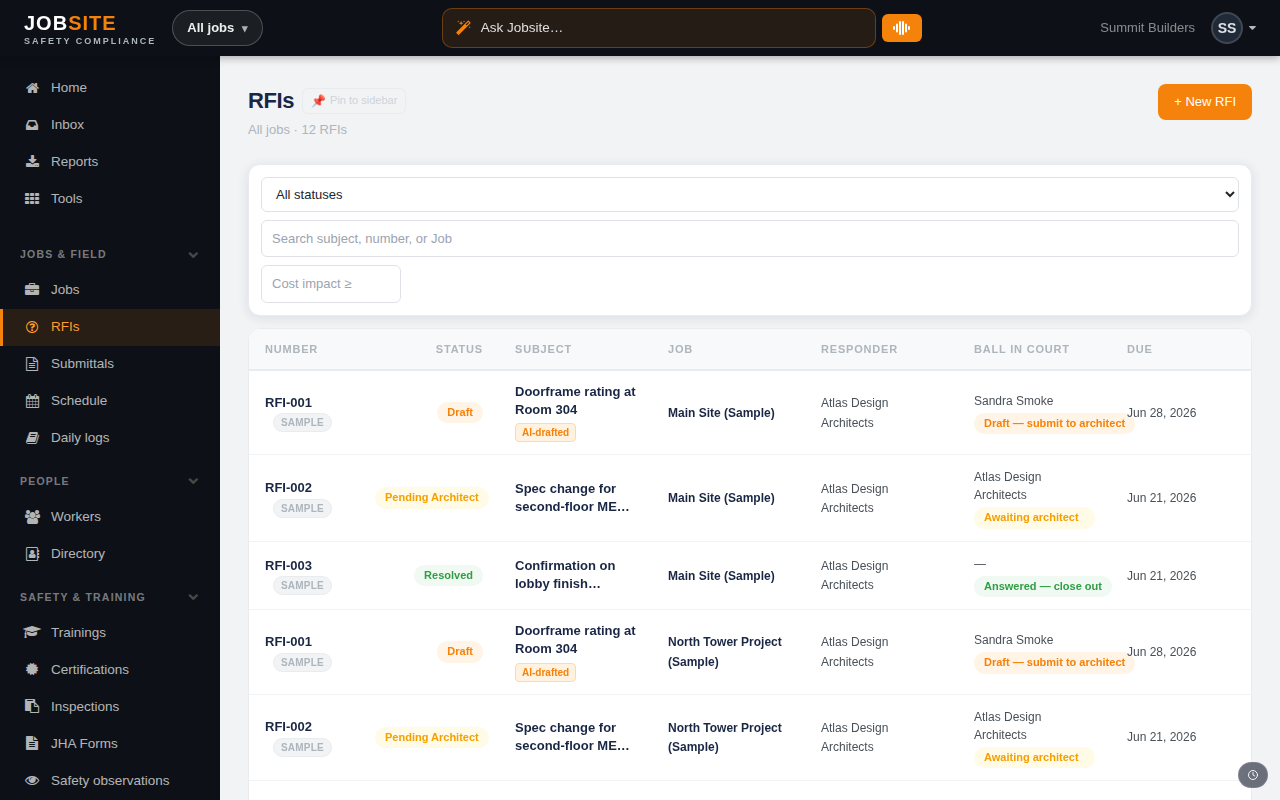
RFIs keep questions moving and create a record of who owed what, when. Jobsite makes the ball-in-court obvious and escalates the ones that go overdue.
app.jobsitecerts.com/dashboard/rfis
- 1
Create an RFI
From RFIs, create a new request against a job. Capture the question, who it's directed to, and a due date. Link it to the drawing or schedule task it concerns.
app.jobsitecerts.com/dashboard/rfis - 2
Watch the ball-in-court
The register shows whose court each RFI is in at a glance. Overdue open RFIs escalate to the responsible party automatically, so nothing stalls silently.
- 3
Answer and cross-link
Record the response to move the RFI to answered. One-click links keep it connected to the drawing, task, or change order it touches.
Want the bigger picture? See Project management on the platform →