File a daily log
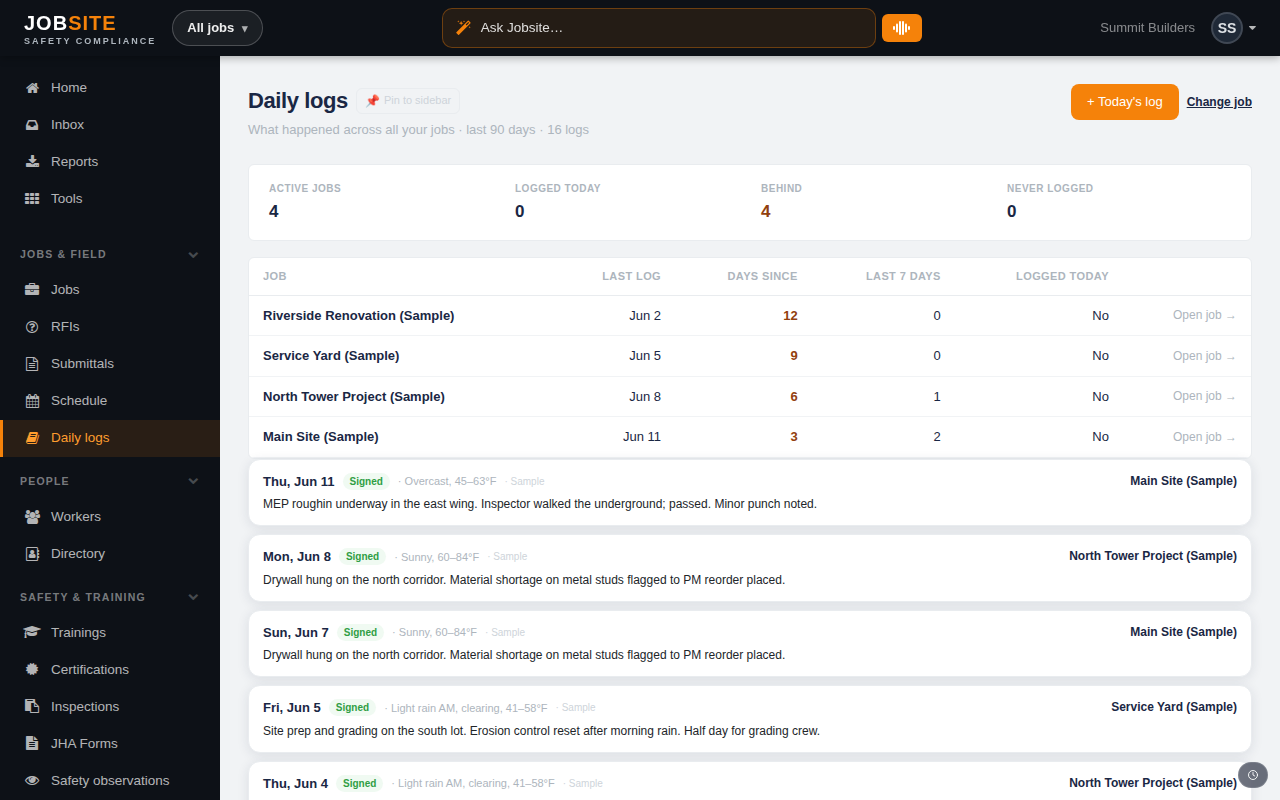
Daily logs are your project's contemporaneous record. They take a minute to file from the field and become invaluable the day a delay turns into a dispute.
app.jobsitecerts.com/dashboard/daily-logs
- 1
Open today's log for a job
From Daily logs choose Today's log and pick the job. Jobsite starts a log for the current date scoped to that job.
app.jobsitecerts.com/dashboard/daily-logs - 2
Record the day
Capture the work performed, weather, manpower, and deliveries. Foremen can file from their phones and attach photos straight from the field.
- 3
Log delays as structured records
Use “Log a delay” to capture a delay by kind, with hours lost and a note. These are dispute-grade records, not a buried comment — and they roll up where the money and schedule consequences live.
Tips
- A daily-log nudge reminds the job's foreman when yesterday's log is missing.
Want the bigger picture? See Project management on the platform →